
Contact: helpdesk@swadeshsiksha.com
Register Admission Fee Payment
Description of the image
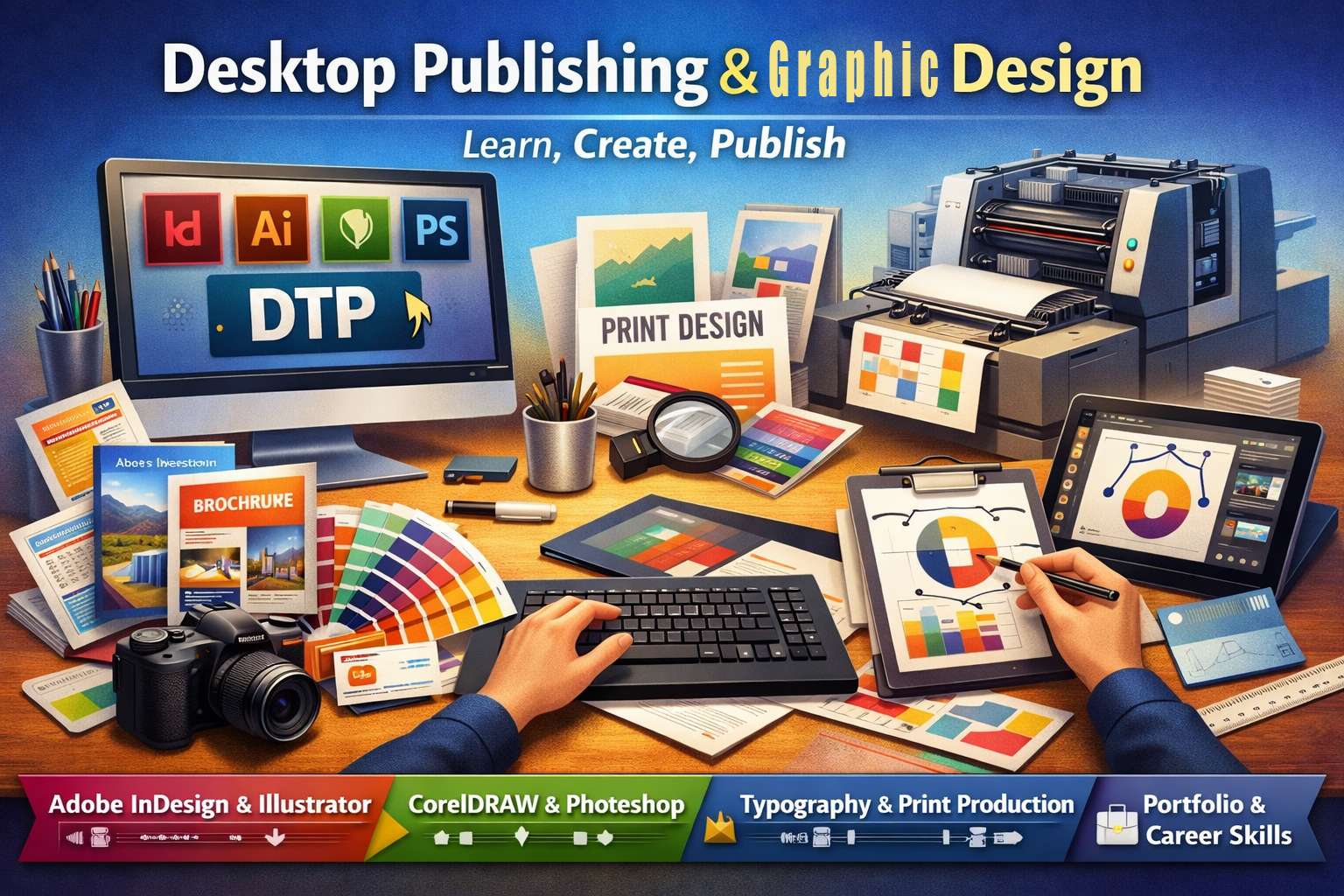
Certificate in Graphic Designing DTP with AI | Course Details

Certificate in Graphic Designing DTP with AI

Online Courses Online 6 months
Certificate in Graphic Designing DTP with AI
Rs. 22,500
Total Course Fee (including all taxes)

Course Overview

Course Code
CRS0002
Status
Active
Duration
6 months
Class Schedule
3 Days per Week

Description

Description
The Certificate in Graphic Designing DTP with AI is a comprehensive six-month program designed to equip learners with professional desktop publishing skills, advanced graphic design techniques, and practical knowledge of AI-assisted creative tools. This course combines strong visual communication principles with hands-on software training, preparing students for careers in print media, publishing, branding, and advertising industries.

Ideal for students, creative enthusiasts, job seekers, and working professionals, this program enhances design creativity, technical proficiency, and production workflow understanding while introducing AI tools that are transforming modern graphic design practices.


Course Overview
The program provides hands-on training in:

• Desktop publishing fundamentals and visual design principles
• Professional page layout and multi-page document design
• Vector illustration and branding asset creation
• Image editing and print enhancement techniques
• Typography and publication composition
• Designing for various print media and packaging
• Pre-press production and print-ready file preparation
• Portfolio development and employability skills
• AI tools and applications in graphic design workflows

This integrated approach ensures learners gain both creative design expertise and technical production skills required for professional growth in the print and media industry.


Key Learning Outcomes
By the end of this course, learners will be able to:

• Design professional print materials using Adobe and Corel tools
• Apply layout, color theory, and typography principles effectively
• Create brochures, magazines, catalogs, posters, and brand collateral
• Develop logos, visiting cards, and packaging designs
• Edit and enhance images for high-quality print output
• Prepare print-ready files with correct color modes, bleed, and export standards
• Manage the complete publishing workflow from design to pre-press
• Build a professional portfolio for employment or freelance opportunities
• Utilize AI tools to improve creative productivity and design efficiency


Core Modules

• Introduction to Desktop Publishing & Visual Design Fundamentals
• Adobe InDesign – Layout and Multi-Page Document Design
• CorelDRAW – Print Design and Vector Illustration
• Adobe Illustrator – Vector Graphics for Publishing and Branding
• Adobe Photoshop – Image Editing and Print Enhancement
• Typography and Composition in Publishing
• Designing for Various Print Media
• Pre-Press, Printing Techniques, and File Export Standards
• Project Work and Portfolio Development
• Employability Skills and Career Development


Duration
6 months (may vary depending on institution and mode of study)


Eligibility

• Open to students from any educational background
• Basic computer knowledge recommended
• No prior graphic design experience necessary


Career Opportunities
After completing the Certificate in Graphic Designing DTP with AI, candidates can pursue roles such as:

• Desktop Publishing Operator / Print Designer
• Layout Artist / Graphic Designer
• Creative Executive / Brand Collateral Designer
• Pre-Press Technician / Print Production Assistant
• Freelance Designer / Studio Assistant

This certification enhances employability, builds a strong foundation in desktop publishing and graphic design, and prepares learners for professional opportunities in media, publishing, advertising, and creative industries.


Curriculum

Month 1: Introduction to Desktop Publishing & Visual Design

Module 1: Introduction to Desktop Publishing and Visual Design Fundamentals

Module Description:
Lays the foundation in DTP, design principles, and the relationship between layout and communication.

  • What is DTP? Evolution and scope in publishing
  • Understanding publication types: brochures, books, flyers, catalogs
  • Design principles: alignment, balance, white space, contrast
  • Color theory in print (CMYK vs RGB), typography basics
  • File types: raster vs vector, DPI, resolution for print
  • Understanding layout grids, margins, and columns

Module 2: Adobe InDesign – Layout and Multi-Page Document Design
Module Description:
Comprehensive training in the primary software used for professional publishing and page layout.

  • Workspace, document setup, and master pages
  • Working with columns, grids, and paragraph styles
  • Text wrapping, image placement, and linking
  • Magazine, newsletter, and catalog layout projects
  • Table formatting, TOC and index creation
  • Exporting for print and interactive PDFs

Practical:
Basic DTP project: brochure and newsletter design using Adobe InDesign


Month 2: Creative Layout & Vector Illustration

Module 3: CorelDRAW – Print Design and Vector Illustration

Module Description:
Focuses on creating scalable design elements and layouts commonly used in printing and packaging.

  • Creating brochures, labels, visiting cards, and posters
  • Mastering vector shapes, text on path, and curve editing
  • Page layout for banners, invitation cards, and certificates
  • Managing color palettes, print bleeds, and spot colors
  • Preparing files for offset printing
  • Working with dielines and cutter guides

Module 4: Adobe Illustrator – Vector Graphics for Publishing and Branding

Module Description:
Equips learners to create brand assets, illustrations, and infographics for integration into DTP projects.

  • Pen tool, shape builder, and pathfinder operations
  • Designing logos, icons, infographics, and charts
  • Typographic illustration for magazine covers
  • Brand asset creation for product packaging
  • Exporting vector art for print and digital layouts

Practical:
Logo, visiting card, and brand identity creation project using CorelDRAW & Illustrator


Month 3: Image Editing & Typography in Publishing

Module 5: Adobe Photoshop – Image Editing and Print Enhancement

Module Description:
Prepares learners to handle image manipulation, enhancement, and creative retouching for print integration.

  • Image resizing, resolution adjustment, and DPI for print
  • Color correction and CMYK conversion
  • Background removal, masking, and selection techniques
  • Creating print-ready posters, photo layouts, and covers
  • Preparing images for newspapers, catalogs, and magazines

Module 6: Typography and Composition in Publishing

Module Description:
Delves into the detailed use of fonts, layout balance, and readable formatting for effective publication.

  • Font pairing and typographic hierarchy
  • Leading, kerning, tracking, and line length
  • Text alignment and justification in multi-column layouts
  • Display typography for covers and headlines
  • Typography do’s and don’ts in print media

Practical:
Magazine cover & poster composition using Photoshop and advanced typography


Month 4: Designing for Print Media & Pre-Press Production

Module 7: Designing for Various Print Media

Module Description:
Hands-on projects for different types of print design requirements across industries.

  • Designing newspaper ads, leaflets, and product catalogs
  • Resume and certificate layout
  • Menu cards, ID cards, and packaging inserts
  • Wall calendars, diaries, and booklets
  • Understanding print vendor requirements

Module 8: Pre-Press, Printing Techniques, and File Export Standards

Module Description:
Focuses on preparing files for final print delivery and understanding the production process.

  • Pre-press checklist and proofing
  • Color models: CMYK, spot color, and Pantone
  • Understanding bleed, trim, slug, and crop marks
  • Exporting print-ready PDFs, packaging files with fonts/links
  • Offset, digital, and screen printing basics
  • Working with printers and resolving print issues

Practical:
End-to-end pre-press project: brochure to print-ready export and vendor proofing


Month 5: Portfolio Development & Employability Skills

Module 9: Project Work and Portfolio Development

Module Description:
Combines acquired skills into real-world print projects for professional presentation.

  • Designing a brand’s complete print collateral (cards, letterhead, brochure)
  • Layout design of a short magazine or multi-page report
  • Independent poster and product label projects
  • Compiling a professional PDF and printed portfolio
  • Preparing digital mockups for Behance or client pitch

Module 10: Employability Skills and Career Development

Module Description:
Prepares learners to seek employment or freelancing work with practical readiness.

  • Resume and portfolio tailored for DTP roles
  • Cover letter writing and job platform readiness
  • Working with clients and managing feedback
  • Freelancing and agency work: project timelines, quoting, deliverables
  • Interview skills for desktop publishers and print designers
  • Career paths: publishing houses, media studios, and advertising agencies

Practical:
Portfolio presentation and mock client project submission


Assessment:

  • Practical examination (software-based)
  • Print-ready project submission
  • Viva and design presentation

Outcome:

After completing the DTP course, learners will be able to:

  • Design professional print materials using Adobe & Corel tools
  • Apply layout, color, and typography principles effectively
  • Manage complete publishing workflow from design to pre-press
  • Build a professional portfolio and approach print or digital media jobs

Career Opportunities:

  • Desktop Publishing Operator / Print Designer
  • Layout Artist / Graphic Designer
  • Creative Executive / Brand Collateral Designer
  • Pre-press Technician / Print Production Assistant
  • Freelance Designer / Studio Assistant


Request a Free Demo Class

Experience the course before you enroll. Fill the form and our expert will contact you within 24 hours.

Back to Courses